Install NeoSpline in Rhino
NeoSpline is a Rhino plugin for Windows and macOS. You need Rhino 8.21 or newer.
Find NeoSpline in the Package Manager.
This button takes you straight to NeoSpline in Rhino's Package Manager. Your browser may ask for permission to open Rhino first.
Open in Rhino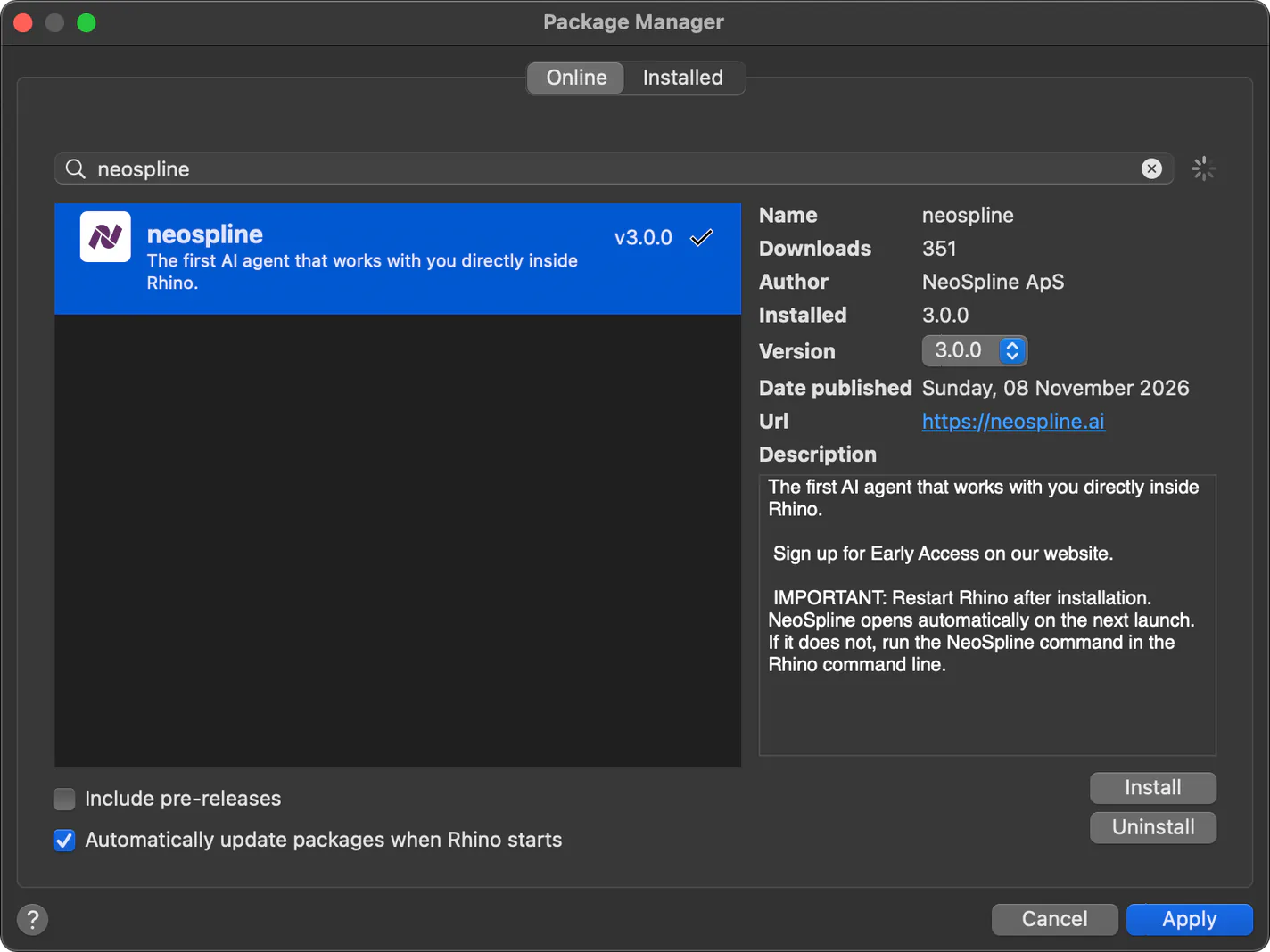
- Click Install, then Apply. Pick NeoSpline in the results, click Install, and then click Apply.
- Restart Rhino. Rhino loads new plugins only at startup, so close it and open it again. The NeoSpline panel then appears on its own. If it does not, type NeoSpline in the command line.